

Garagedoorrepairdesk.com runs 51 garage door guides. Yet myQ gets only a short section inside its LiftMaster repair page. This guide fills that gap.
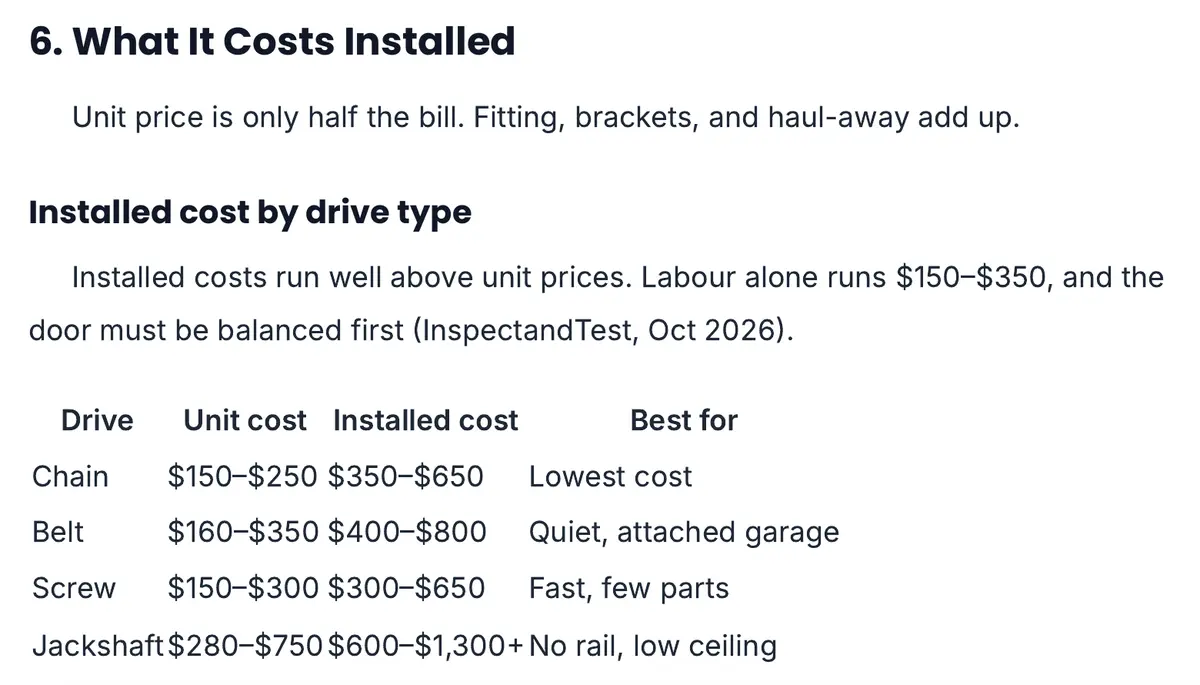
Chamberlain sells the Smart Garage Control hub for $64.99 (Nov 2026). A new 3/4 HP belt-drive opener costs about $480 installed, per Fixr (Nov 2026).
That gap is why most owners should retrofit first, not replace. This guide shows the setup, the app, and the fix when it drops offline.
myQ garage door opener is Chamberlain’s smart system for LiftMaster and Chamberlain openers. Most openers made after 2018 have myQ Wi-Fi built in. Older openers made after 1993 can add it with the Smart Garage Control hub, which costs $64.99 at Chamberlain (Nov 2026). The free myQ app opens and closes the door, sends alerts, and sets a close time.
Garage Door Hub connects you with a trusted local pro. Need a repair? Need a replacement? Start here. First, find out what it should cost.
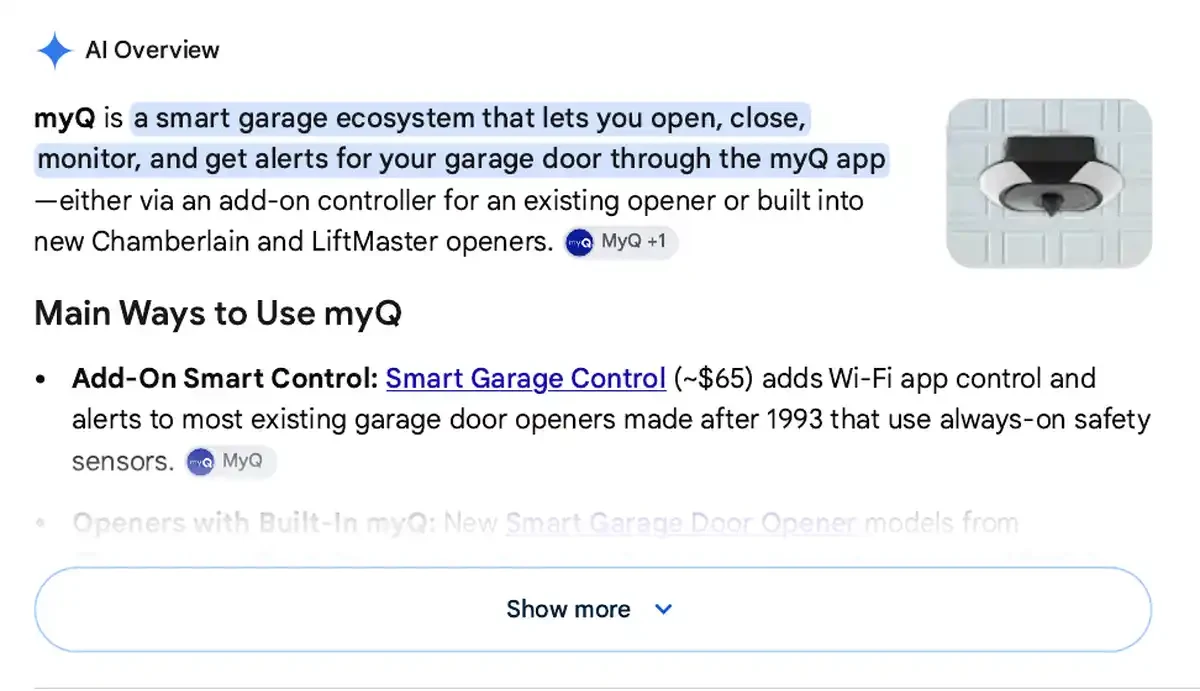
Price the opener before you buy a hub or a new motor. The Opener Cost Calculator gives a fitted price in seconds.
Its default is $530 for a fitted opener. Change the drive type and HP, then read your price again.
Open the Opener Cost Calculator — keep its answer open. You will use it in Section 6.
- Pick your drive type: chain, belt, screw, or wall-mount.
- Pick your HP: 1/2, 3/4, or 1 HP and above.
- Note the fitted price, then read the key takeaways and Section 1.
Free printable companion: myQ Garage Door Opener Guide (PDF, 1 page) — setup steps, LED meanings, and the retrofit vs replace table.
Key takeaways
- myQ is free in the app. The hub costs $64.99 for older openers.
- Most LiftMaster and Chamberlain openers made after 2018 have myQ built in.
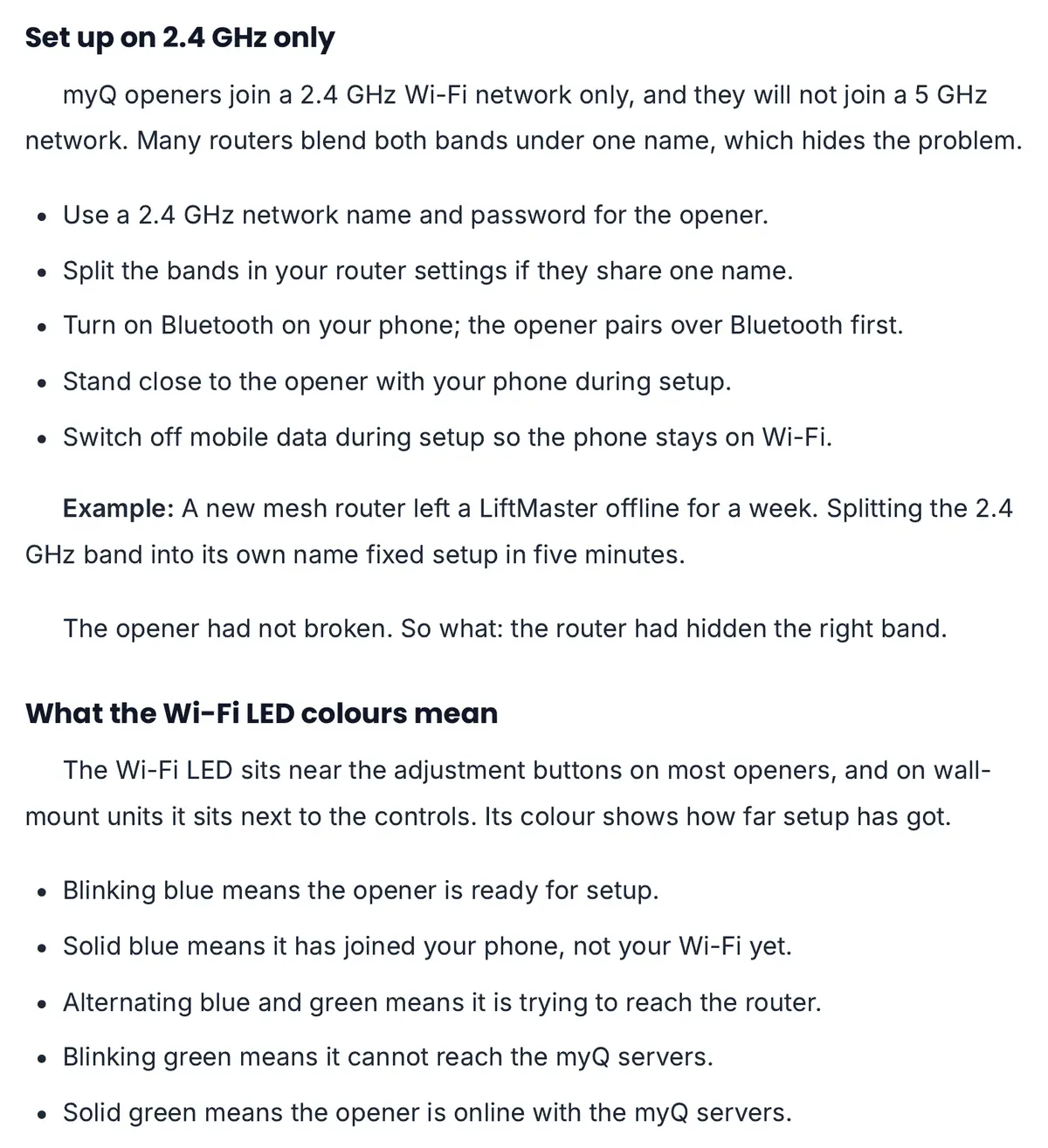
- Setup needs 2.4 GHz Wi-Fi, Bluetooth, and the Learn button.
- Alexa and Google voice control do not work directly with myQ.
- Offline is usually Wi-Fi. Read the LED, then fix the network first.
Table of Contents
- 1. What myQ Is and Which Openers Have It
- 2. Set Up myQ Step by Step
- 3. The myQ App: Open, Close, Alerts, Schedules, Guest Access
- 4. Voice Control: Alexa and Google — What Works and What Does Not
- 5. When myQ Drops Offline
- 6. Retrofit Hub vs Replace the Opener
- Watch: setting up a Chamberlain opener in the myQ app, step by step
- FAQ
INFOGRAPHIC 1 (right after TOC)
1. What myQ Is and Which Openers Have It
myQ is Chamberlain’s system for garage doors. It links your opener to your phone, so you can open, close, and check the door from anywhere.
Built-in myQ vs the add-on hub
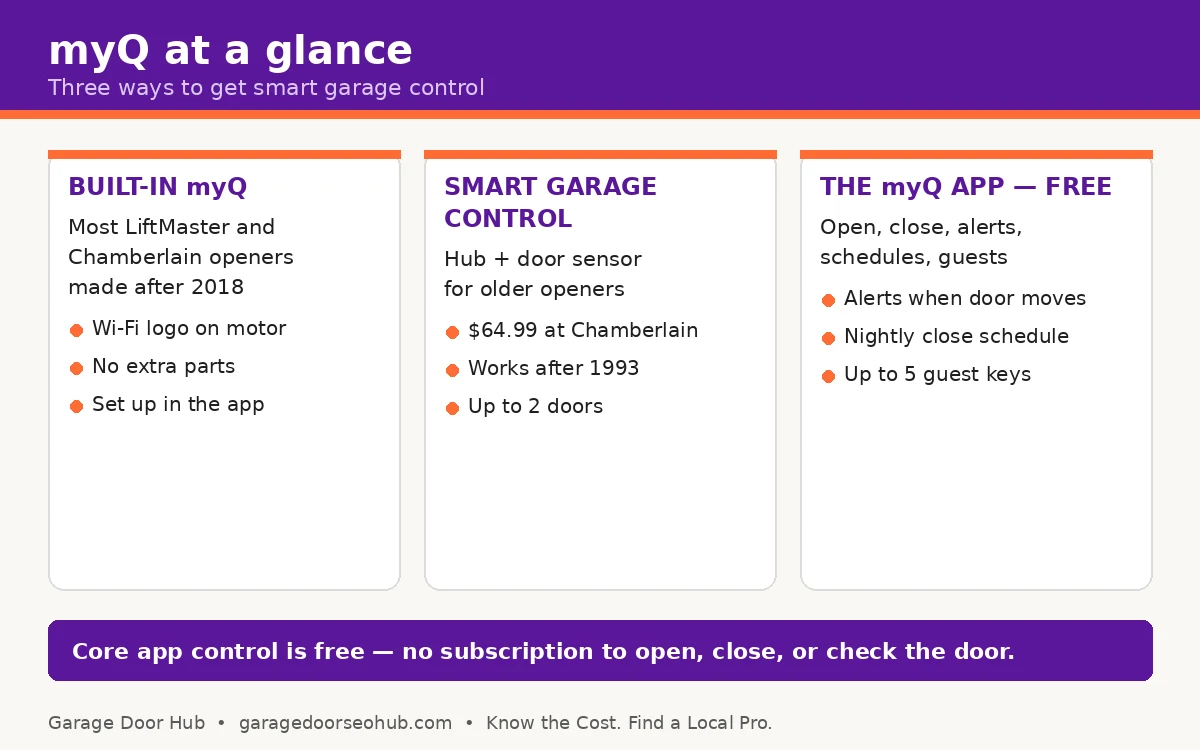
Most LiftMaster and Chamberlain openers made after 2018 have myQ Wi-Fi built in. Older openers need the Smart Garage Control hub, which adds the same app control.
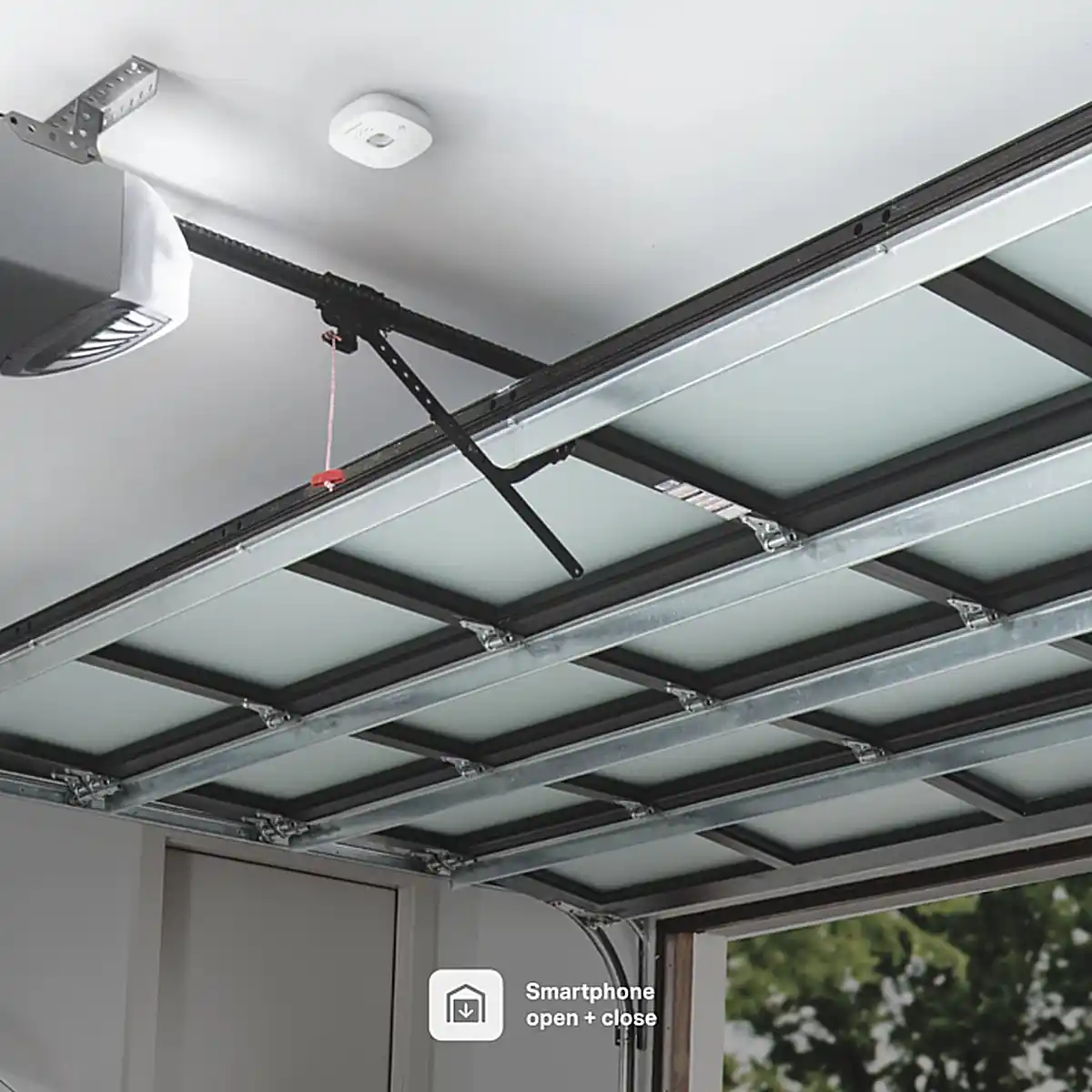
The hub talks to your opener by radio, like a remote, so nothing is wired into the motor. The door sensor tells the hub if the door is open or closed.
- Built-in myQ: no extra parts. Set it up in the app and look for the Wi-Fi logo on the motor.
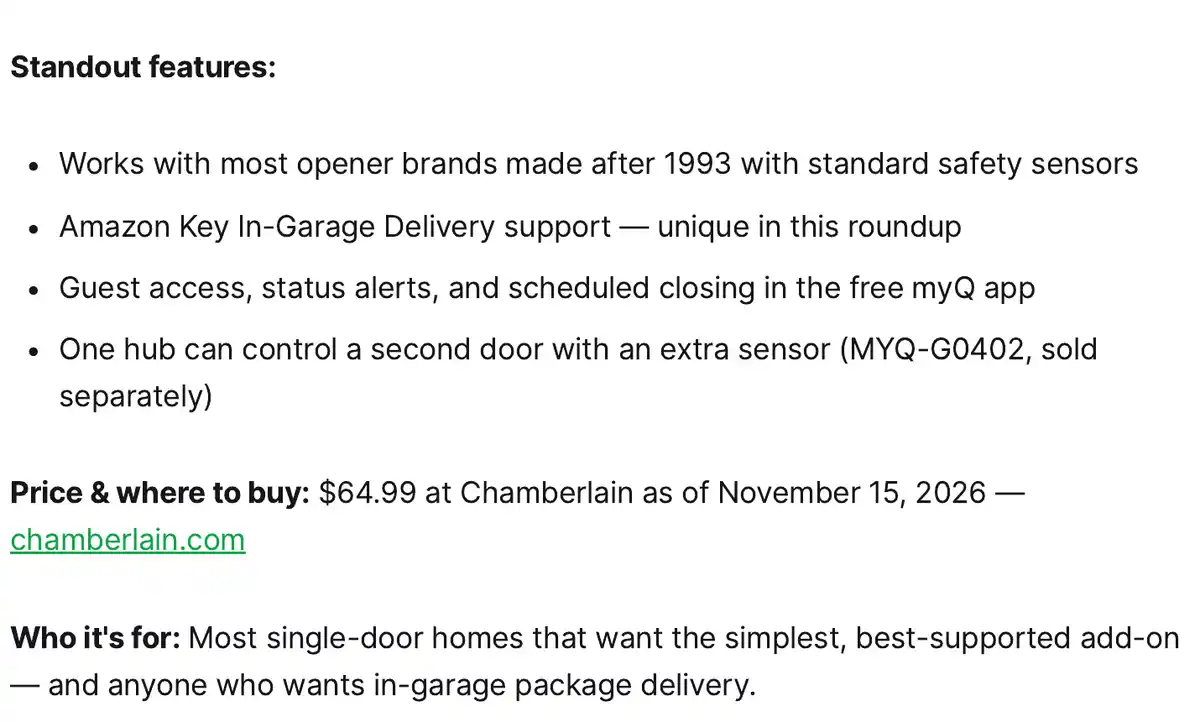
- Smart Garage Control (MYQ-G0401): a hub plus a door sensor. It controls up to 2 openers with a second sensor.
- The hub needs wall power and a 2.4 GHz Wi-Fi signal in the garage.
- Core app control is free. No subscription is needed to open, close, or check the door.
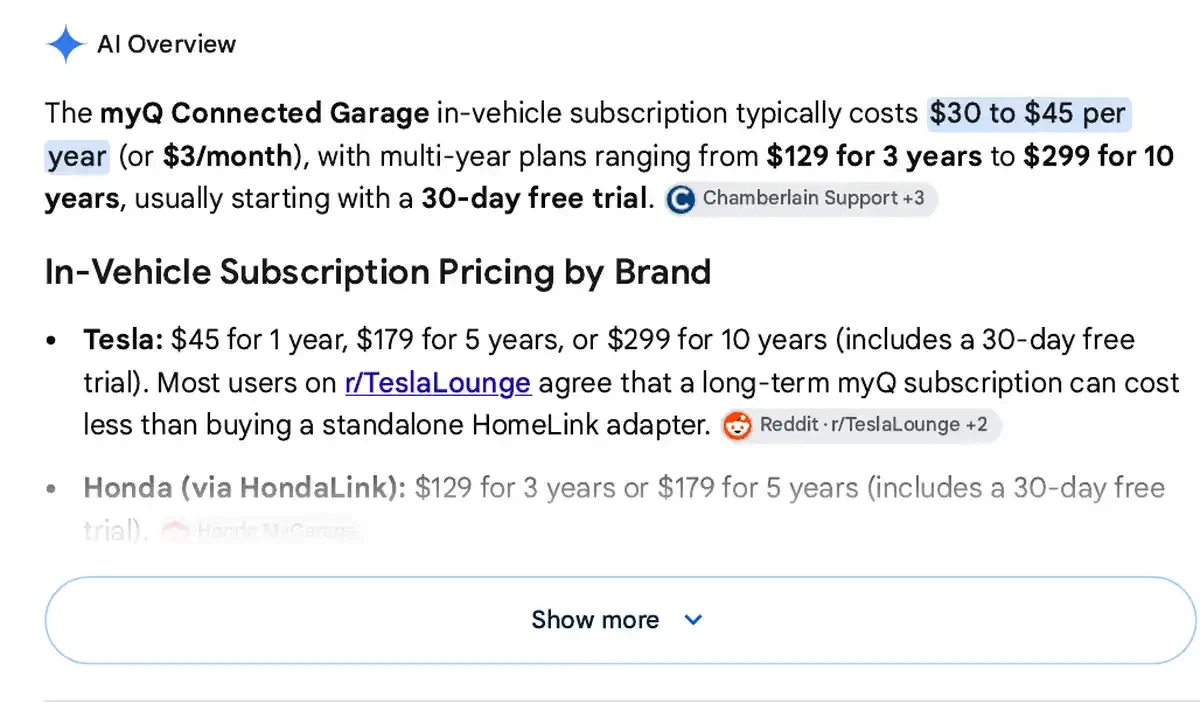
- In-car control from a Tesla or CarPlay sits behind a paid myQ plan, $45 a year (GetProxly, May 2026).
- LiftMaster openers with built-in myQ are covered in our LiftMaster garage door opener repair guide.
Example: A homeowner with a 2019 LiftMaster found the Wi-Fi logo on the motor. Setup took ten minutes in the app, with no hub to buy.
So what: check for built-in Wi-Fi before you spend $64.99 on a hub.
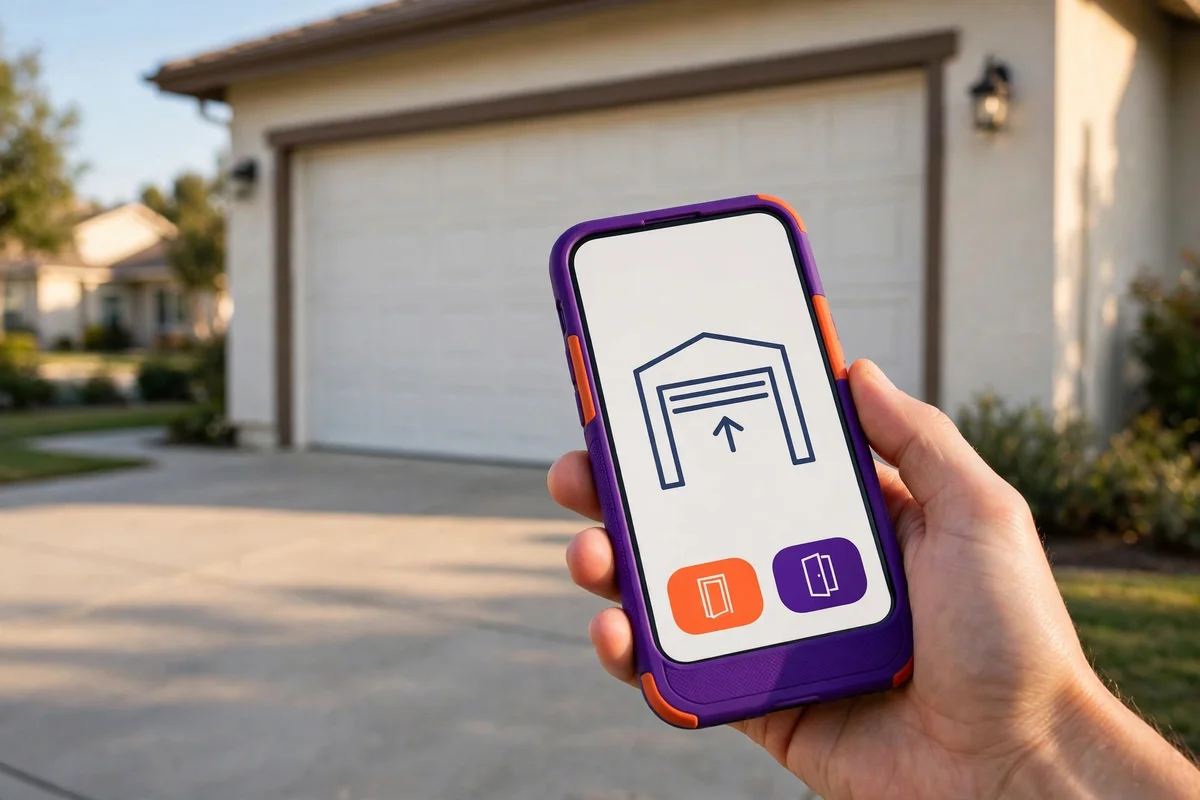
AI IMAGE 1: myQ app on a phone, garage door behind
Check your Learn button color
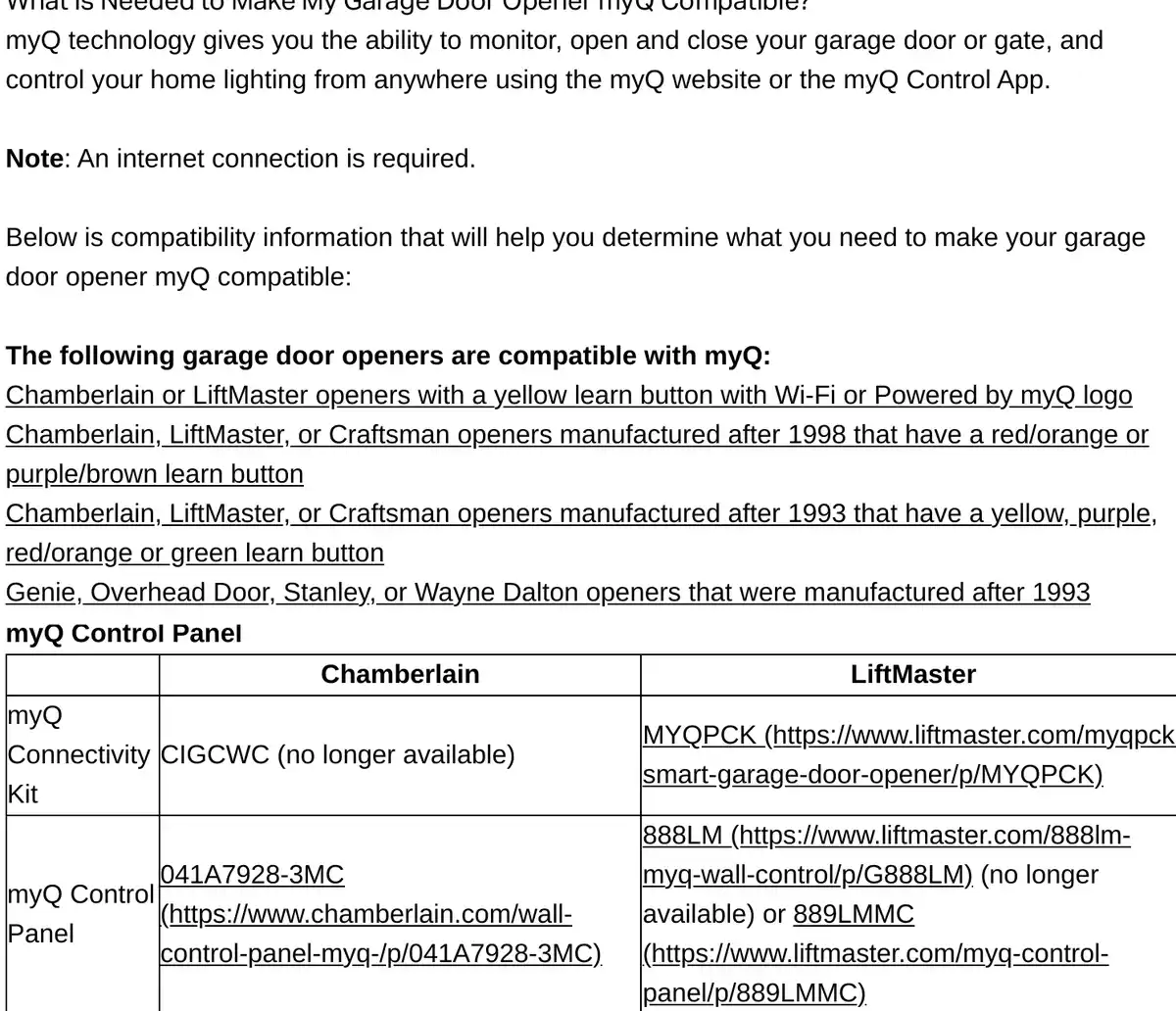
The Learn button color tells you what your opener can do. Find it on the motor unit, often under the light cover. Match the color to the list below before you buy anything.
- Yellow Learn button with a Wi-Fi logo: built-in myQ, no extra parts needed (Chamberlain support, 2026).
- Yellow, purple, red/orange, or green button, made after 1993: works with the Smart Garage Control hub.
- Red/orange or purple/brown button, made after 1998: also works with the hub.
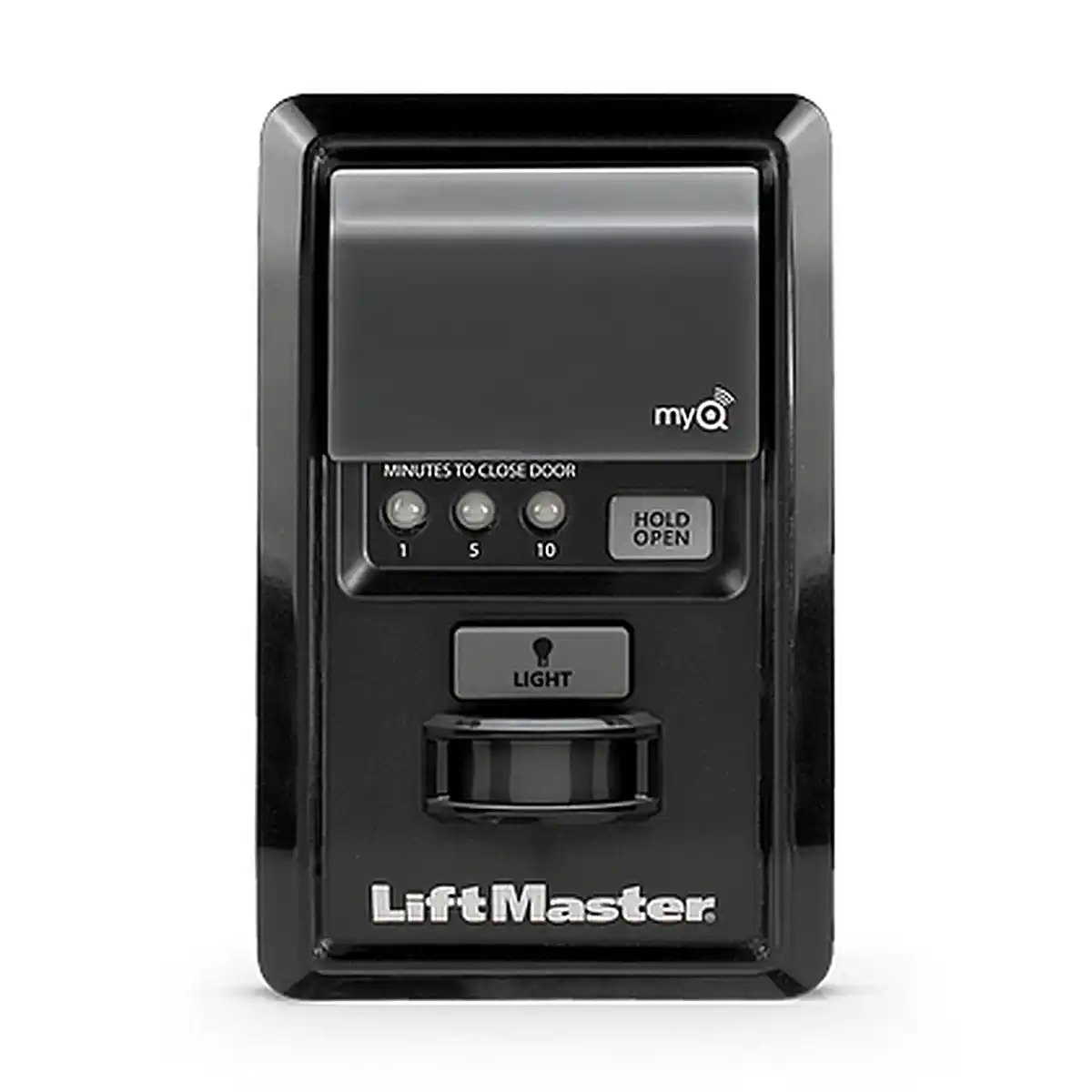
- Blue Learn button: not compatible alone. It needs the extra 889LMMC control panel (SolveYourTech, 2026).
- Genie and Overhead Door openers made after 1993: they generally work with the hub too.
- Chamberlain openers share the same myQ platform. See our Chamberlain garage door opener repair guide.
Example: An owner saw a blue Learn button and nearly bought the hub. The 889LMMC panel was needed first, so the check saved a return.
So what: the button color decides the parts list.
2. Set Up myQ Step by Step
Setup runs through the myQ app, not through a web page. The app pairs to the opener over Bluetooth first, then joins your Wi-Fi.
Keep your phone close to the opener for the whole process. The steps below follow the Chamberlain support setup guide, checked 20 Nov 2026.
What you need before you start
Gather four things before you open the app. A missing password or a weak signal is the top cause of a failed setup. Five minutes of prep saves a second attempt.
- A phone with the latest myQ app, from the App Store or Google Play.
- Your Wi-Fi name and password, typed exactly as set.
- A strong 2.4 GHz signal in the garage. myQ does not use 5 GHz.
- Bluetooth on, and a ladder if the motor sits high.
- The door must be a sectional door with working safety sensors at the floor.
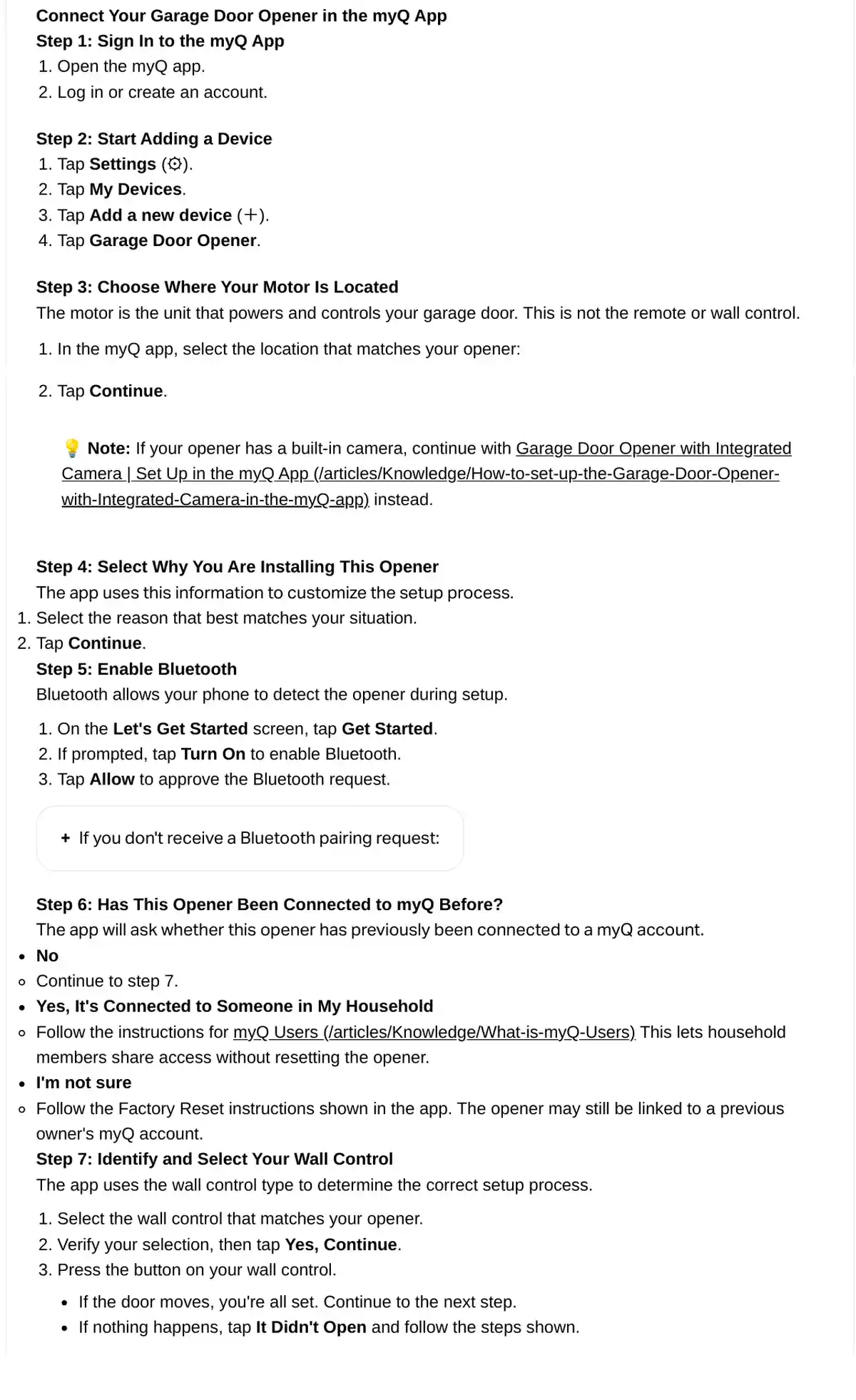
The setup steps
Work the steps in order and do not skip one. The app waits for each answer before it shows the next screen. Most setups take 30 to 45 minutes, says SolveYourTech (2026).
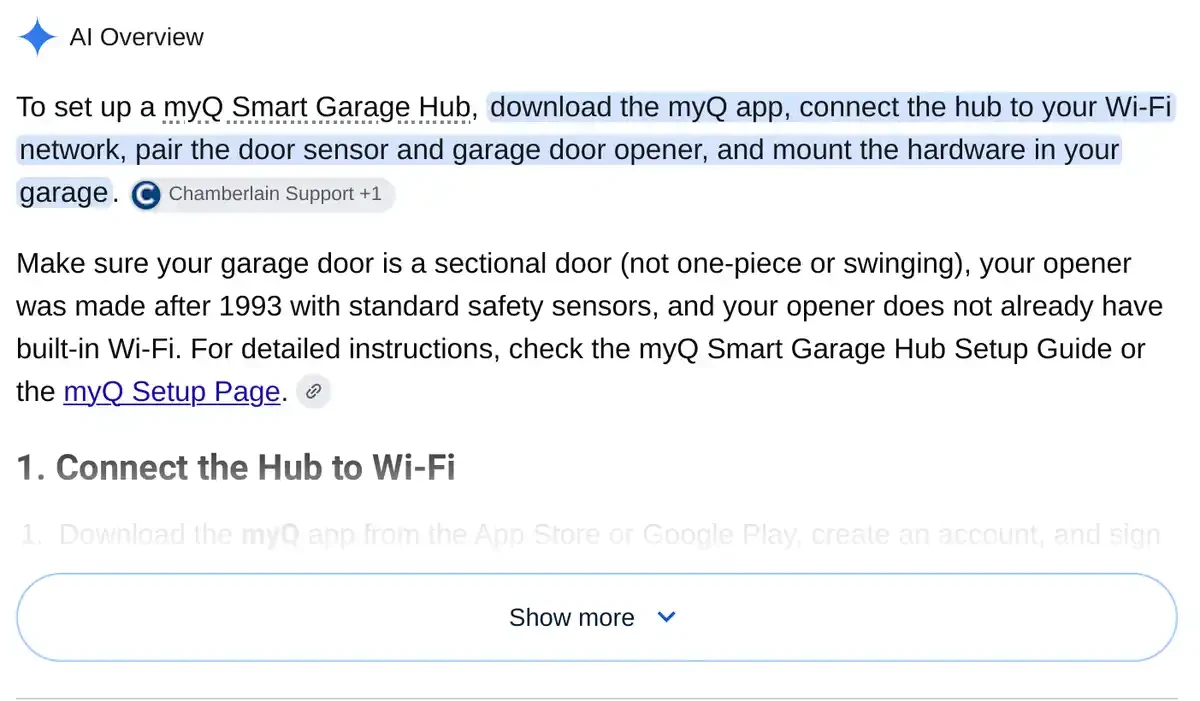
- Download the myQ app and create an account, then verify your email.
- Open the app, tap Settings, tap My Devices, then tap Add a new device.
- Tap Garage Door Opener and pick where the motor sits: ceiling or wall.
- Pick the reason the app asks for, then tap Continue.
- Turn on Bluetooth when the app asks, then tap Get Started.
- Tap No when the app asks if the opener was connected to myQ before.
- Pick the wall control shown in the app and press its button.
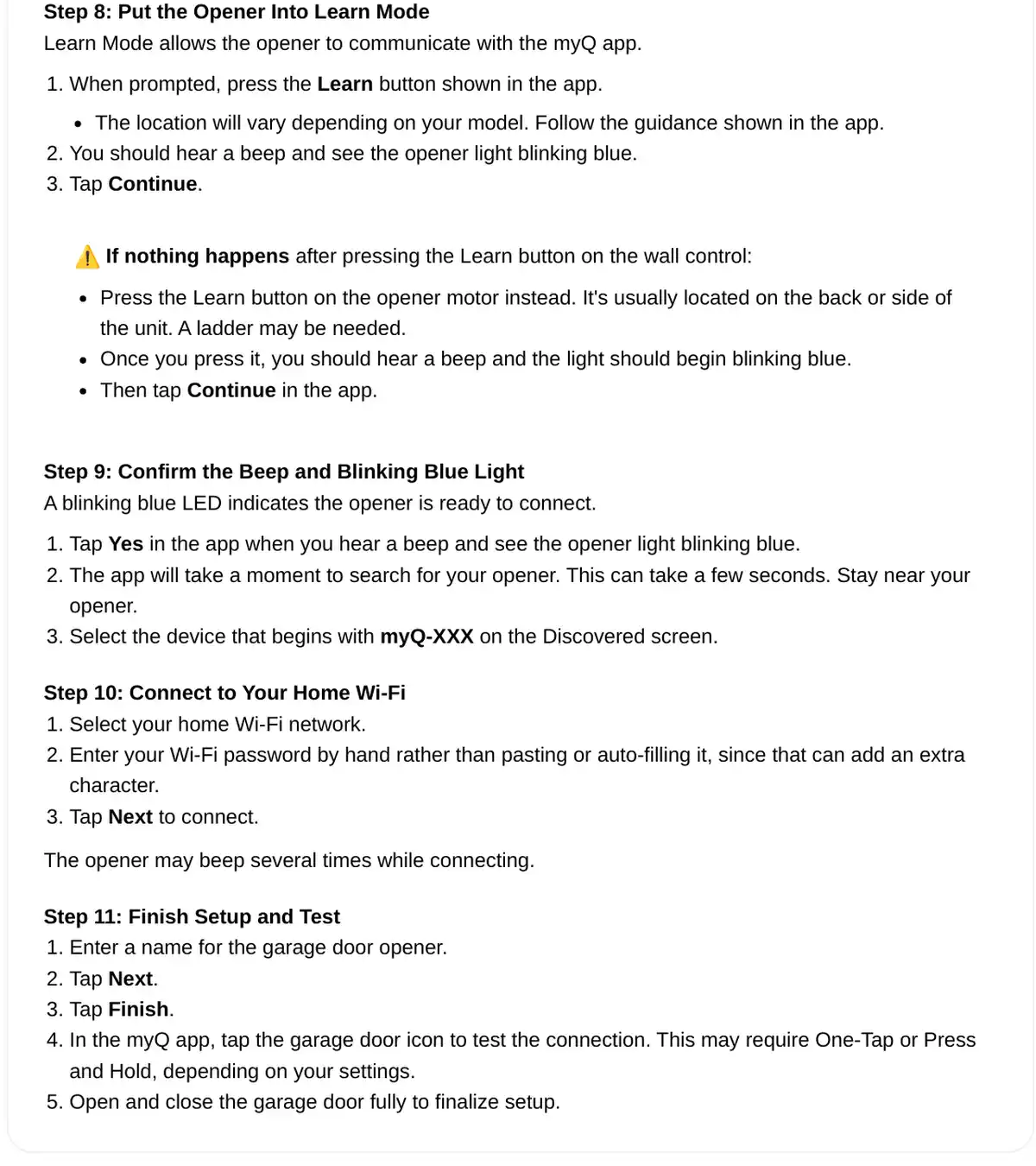
- Press the Learn button on the motor when the app tells you to.
- Tap Yes when you hear a beep and see the blue light blink.
- Pick your 2.4 GHz Wi-Fi network, enter the password, and wait for the green light.
- Name the opener, tap Finish, then open and close the door to test it.
Steps source: Chamberlain support — Wi-Fi Garage Door Opener setup, checked 20 Nov 2026.
Test it before you walk away
A setup that looks done can still fail at the door. Test every function once, while you are still in the garage. A fix now takes seconds; a fix later takes a ladder.
- Tap open in the app, then tap close, and watch the door move both ways.
- Check the app shows the right state: open when open, closed when closed.
- Ask for an alert: open the door and confirm the phone buzzes.
- Set a nightly close time now, while the steps are fresh.
- If the door moves but the state is wrong, move the door sensor to the top panel.
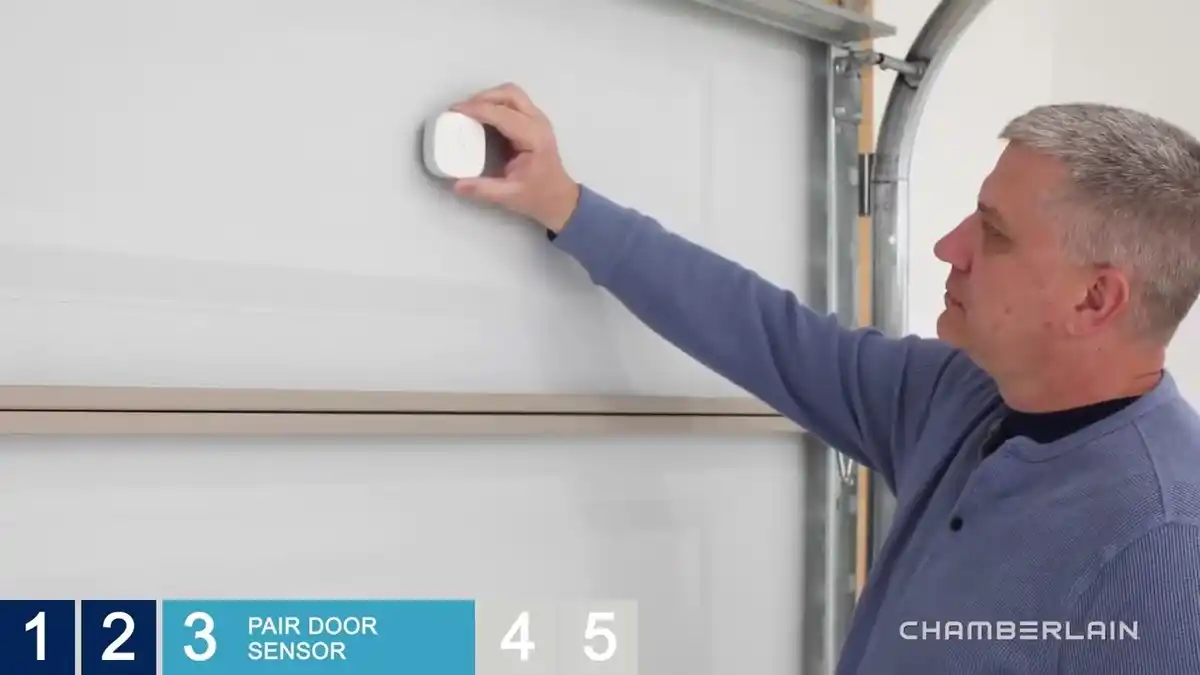
Example: A new user closed the door from the app and left. The sensor sat too low, so the app still showed open all night.
So what: test the state, not just the movement.
3. The myQ App: Open, Close, Alerts, Schedules, Guest Access
The app is the whole point of myQ. It replaces the visor remote with open, close, alerts, schedules, and guest keys. Every feature below is in the free app.
Open, close, and check the door
Tap the door in the app to open or close it from anywhere. The app shows open or closed at a glance, so you never guess. The history log lists every open and close with a time.
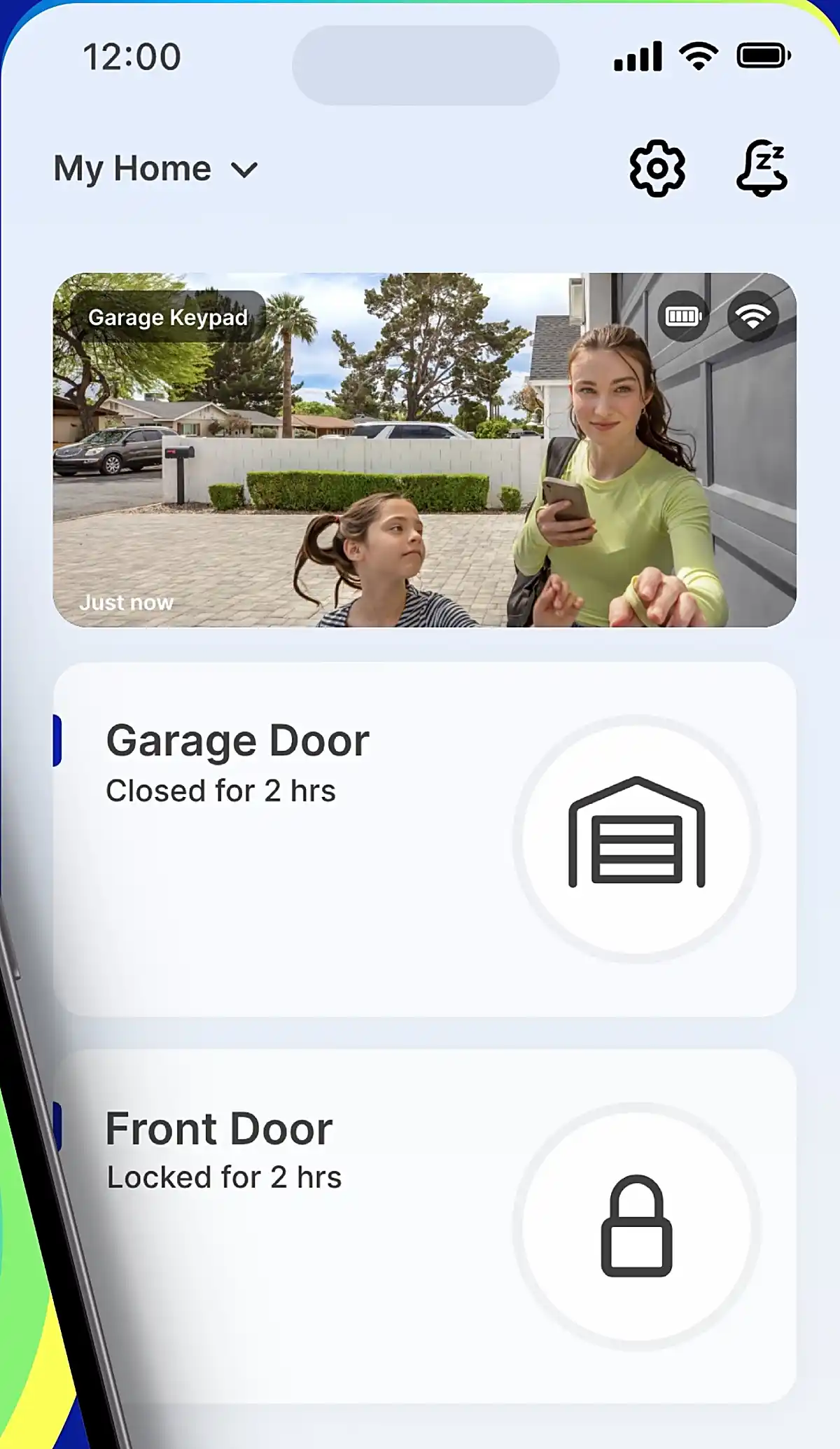
- Open or close from anywhere with an internet link.
- Check the door state before bed, from work, or on holiday.
- The history log shows who opened the door and when.
- The wall control and remotes keep working as normal.
- If the internet is down, the app stops. The remote still works.
Example: A parent at work saw the door open at 3:40 pm. The log showed the kids were home from school.
So what: the app turns a worry into a two-second check.
AI IMAGE 2: Smart Garage Control hub and door sensor
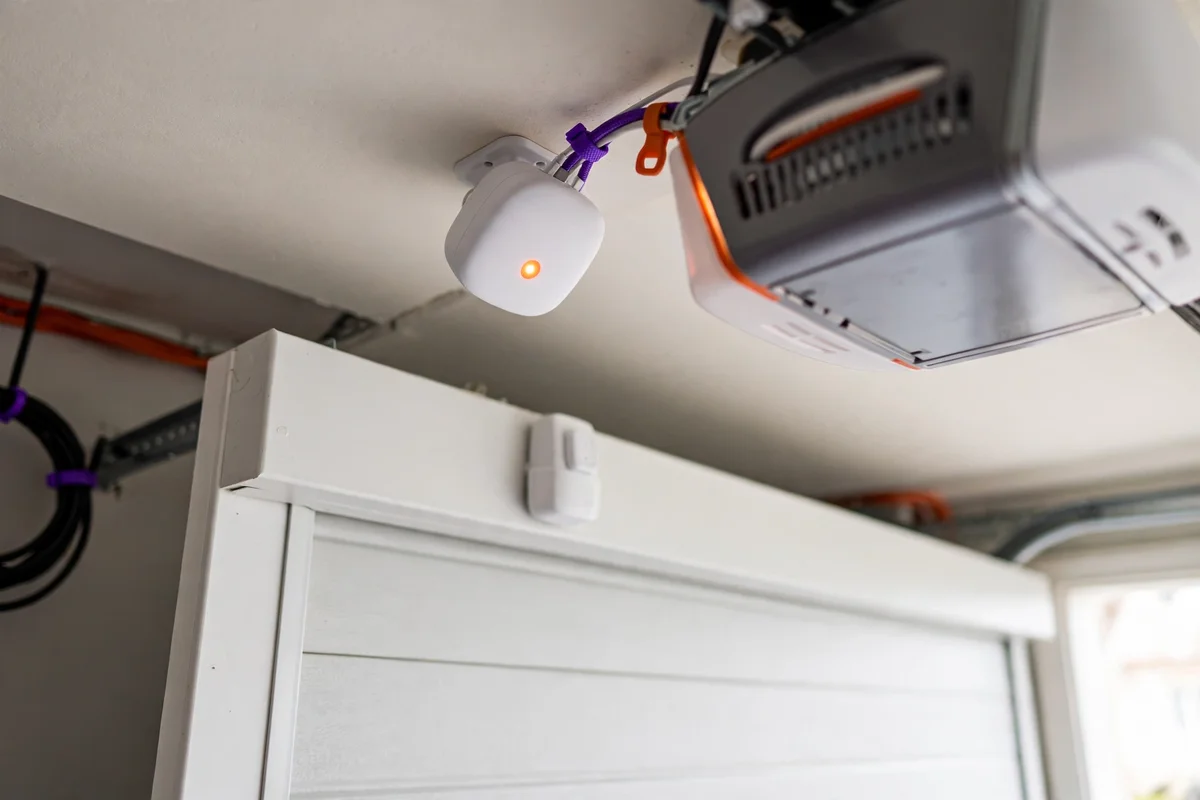
Alerts and daily schedules
Alerts tell you the moment the door moves. Schedules close it for you at a set time each night. Together they cover the two most common mistakes: leaving it open and forgetting it.
- Get a push alert when the door opens, closes, or stays open too long.
- Set a left-open alert, for example after 30 minutes.
- Set a daily close time, such as 10:00 pm every night.
- Set myQ lights to turn on or off on the same schedule.
- Turn alerts off for hours when you are working in the garage.
Example: A family set a 10 pm close and a 30-minute left-open alert. The door has not stayed open overnight since.
So what: two settings replace nightly worry.
Guest access and Amazon Key delivery
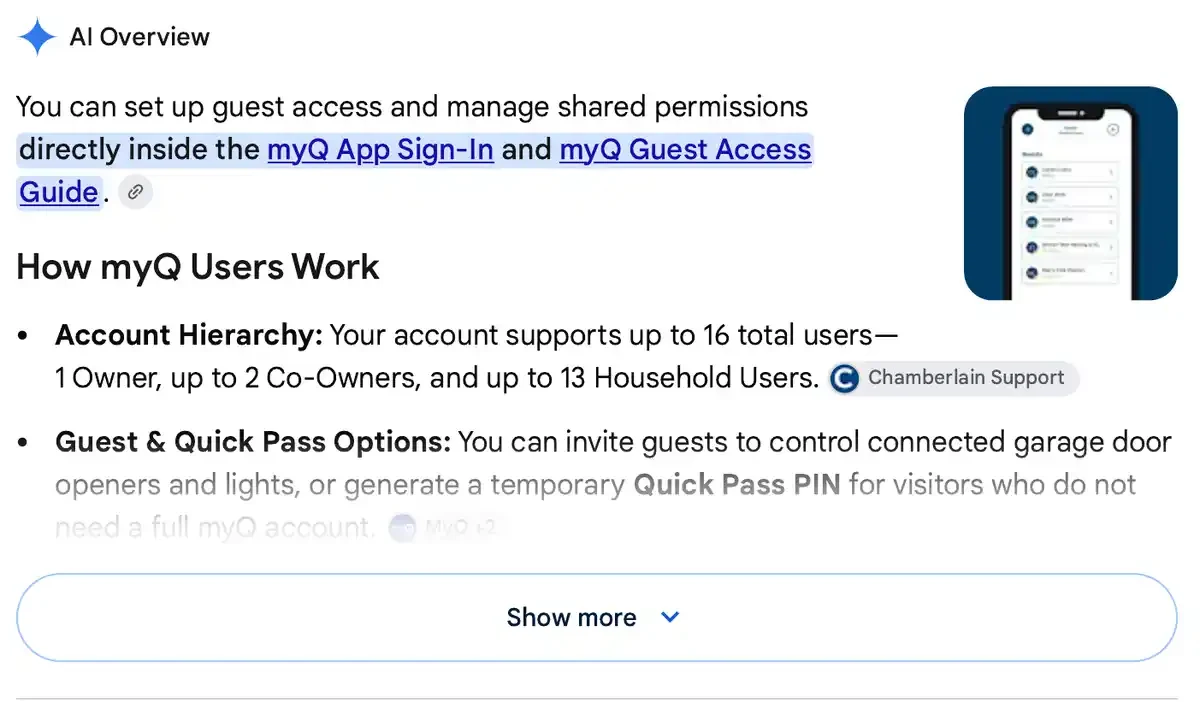
Guest access gives trusted people their own key in the app. Amazon Key lets Prime drivers leave parcels inside the garage. Both beat hiding a key or sharing your keypad code.
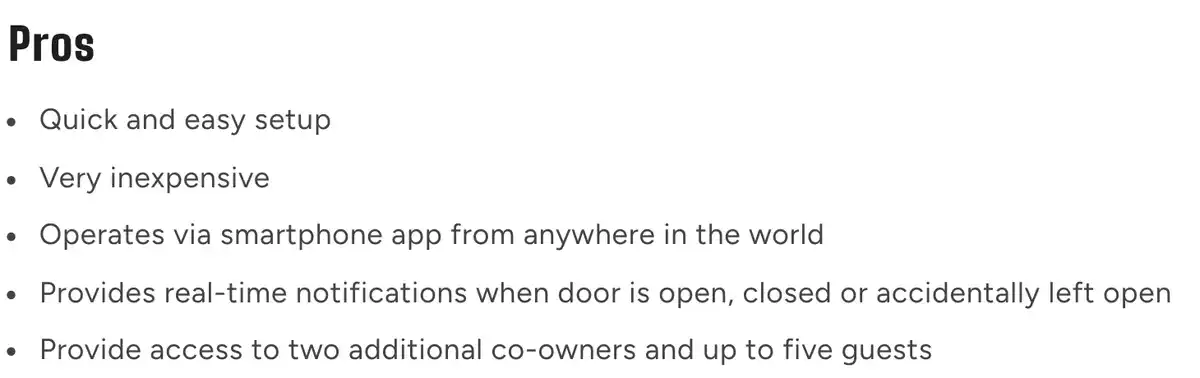
- Invite two co-owners and up to five guests through the app. Each guest uses their own myQ account.
- Give or take away access at any time, with no code to change.
- Guests under 16 are not meant to use guest access (Chamberlain, 2026).
- Amazon Key in-garage delivery is open to Prime members in eligible areas.
- The driver never sees a code and cannot re-enter once the door closes.
Sources: Family Handyman — Chamberlain myQ Smart Garage Control and Chamberlain — Smart Garage Control, checked 20 Nov 2026.
Example: A dog sitter got guest access for one weekend. Access ended on Sunday, and the keypad code never changed.
So what: guest keys expire without a locksmith.
4. Voice Control: Alexa and Google — What Works and What Does Not
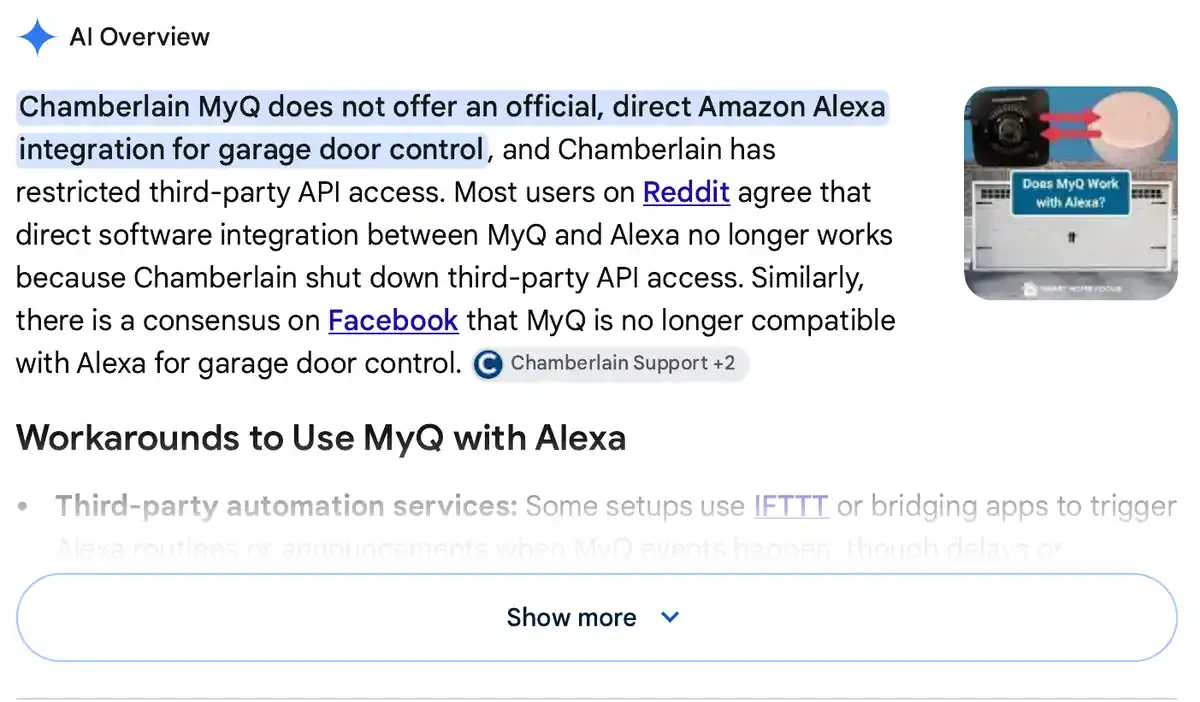
Voice control is where myQ disappoints most buyers. Chamberlain ended its Alexa and Google routes, and no native skill exists today. Know this before you buy for voice.
Alexa: no direct control
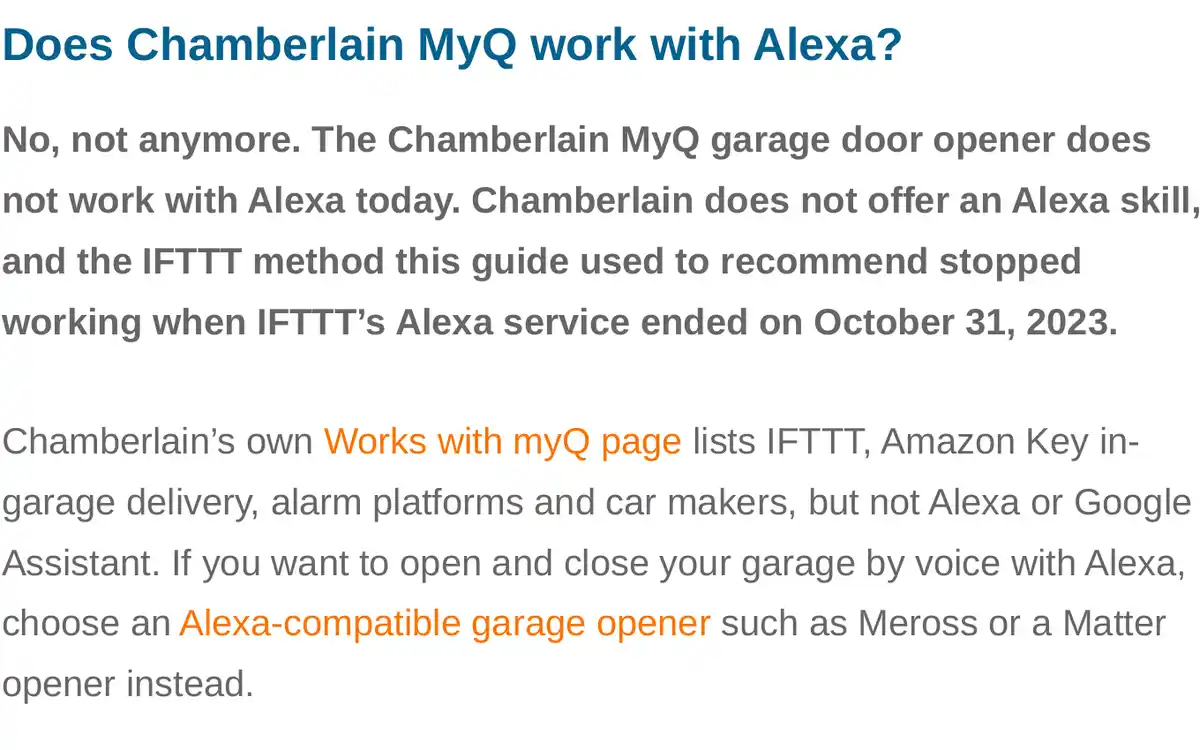
myQ does not work with Alexa today. Chamberlain offers no Alexa skill, and its partner list does not name Alexa. The old IFTTT route died when IFTTT ended its Alexa service on 31 October 2023.
- No native Alexa skill exists for myQ (SmartHomeFocus, Nov 2026).
- “Alexa, close the garage” does not work with myQ alone.
- The IFTTT workaround for Alexa ended on 31 October 2023.
- Amazon Key delivery still works, but it is a delivery service, not voice control.
- If voice matters, pick an Alexa-ready opener instead, such as Meross.
Source: SmartHomeFocus — Does Chamberlain MyQ Work with Alexa, checked 20 Nov 2026.
Example: A buyer chose myQ for Alexa and found no skill to enable. The Echo stayed silent, and the app was the only control.
So what: check voice support before the box, not after.
Google Assistant: the old action is gone
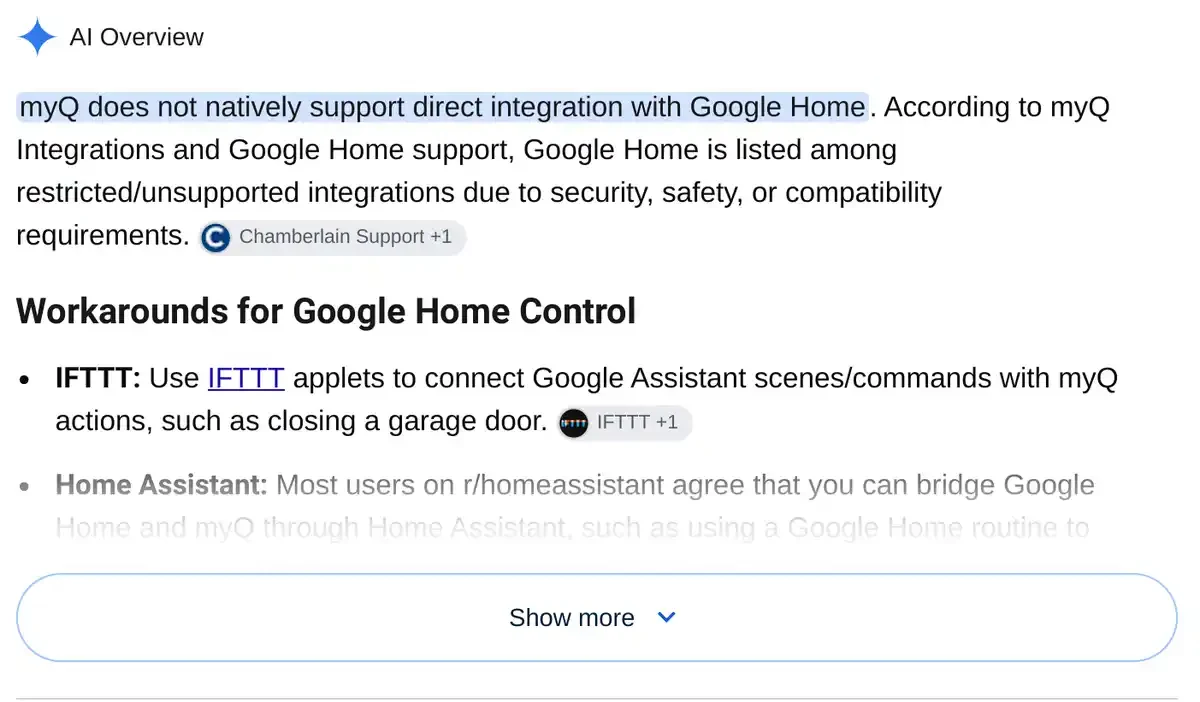
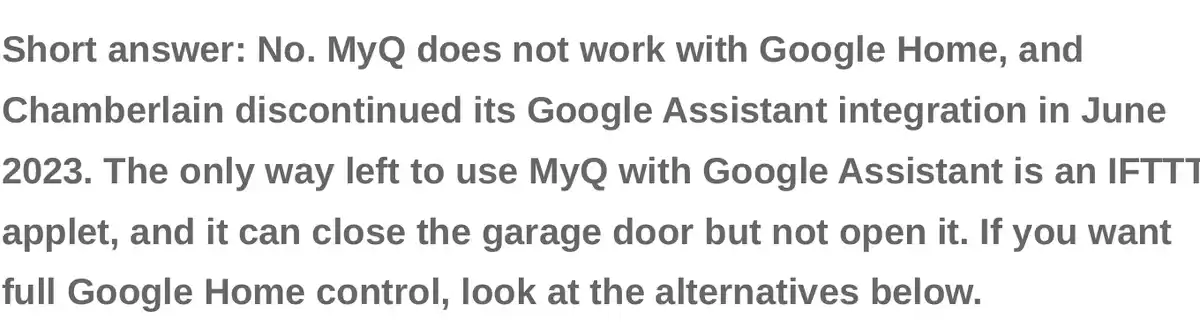
The “ask myQ” Google Assistant action ended in June 2023. Chamberlain lists Google Home as unsupported, so no direct link exists now. Old setup guides still show the dead commands.
- “OK Google, ask myQ to close the garage door” no longer works.
- Chamberlain lists Google Home under unsupported myQ integrations.
- No Google Home device tile exists for a myQ door.
- Old blog posts still show the 2023 commands. Ignore them.
- The myQ app stays the only official control route for opening. IFTTT can close the door only.
Source: SmartHomeFocus — Does MyQ Work with Google Home, checked 20 Nov 2026.
Example: A home with Google speakers followed a 2022 guide. The link step failed, because Google removed the action in 2023.
So what: a dated guide can waste an evening.
INFOGRAPHIC 2 (mid-page, second infographic)
What still works: IFTTT close-only
IFTTT is still an official myQ partner, and its applets can close the door. They cannot open it, for safety. That limit shapes every voice workaround left.
- Link myQ in the myQ app under Partners, then build the applet in IFTTT.
- IFTTT can close the door at a set time or when you leave home.
- IFTTT can never open the door. Chamberlain blocks open by voice.
- A Google routine can say “close garage door” through IFTTT.
- Siri Shortcuts can close the door, but free IFTTT checks hourly, so it can lag.
Example: A user built a nightly IFTTT close at 10 pm. The door closes itself, but opening still needs the app.
So what: close-only covers the safety case, not the hands-free case.
5. When myQ Drops Offline
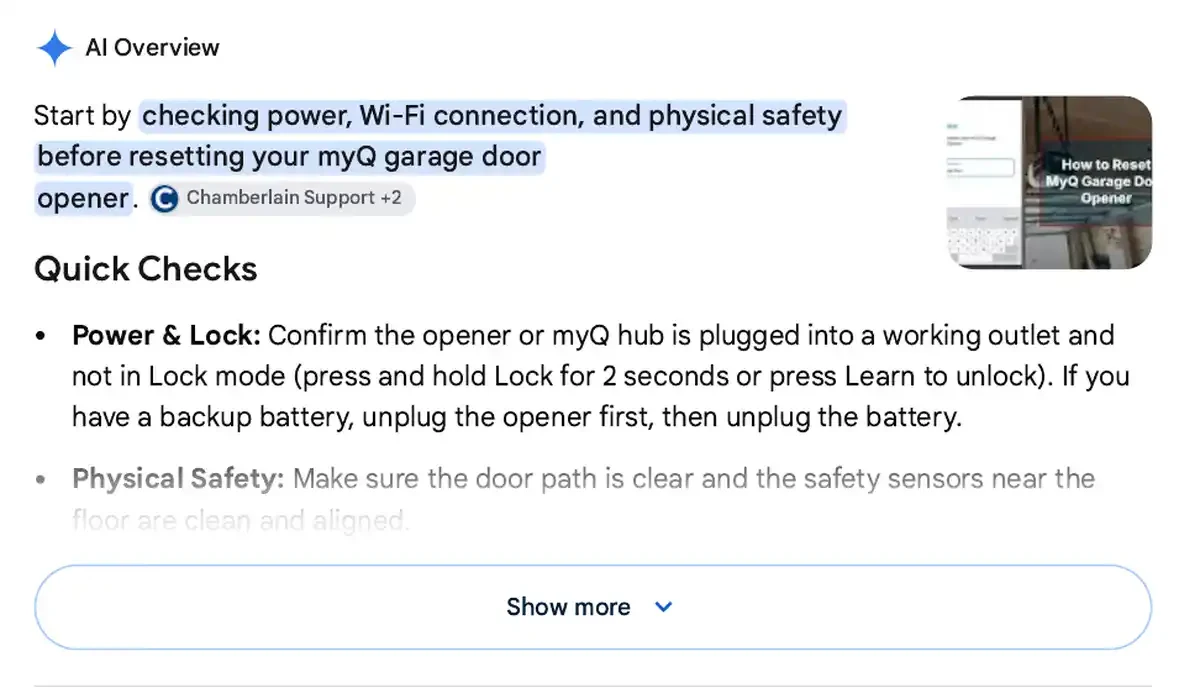
An offline myQ still opens with the remote and wall control. Only the app link is down, so the door is not stuck. Work the list below in order, and stop at the step that fixes it.
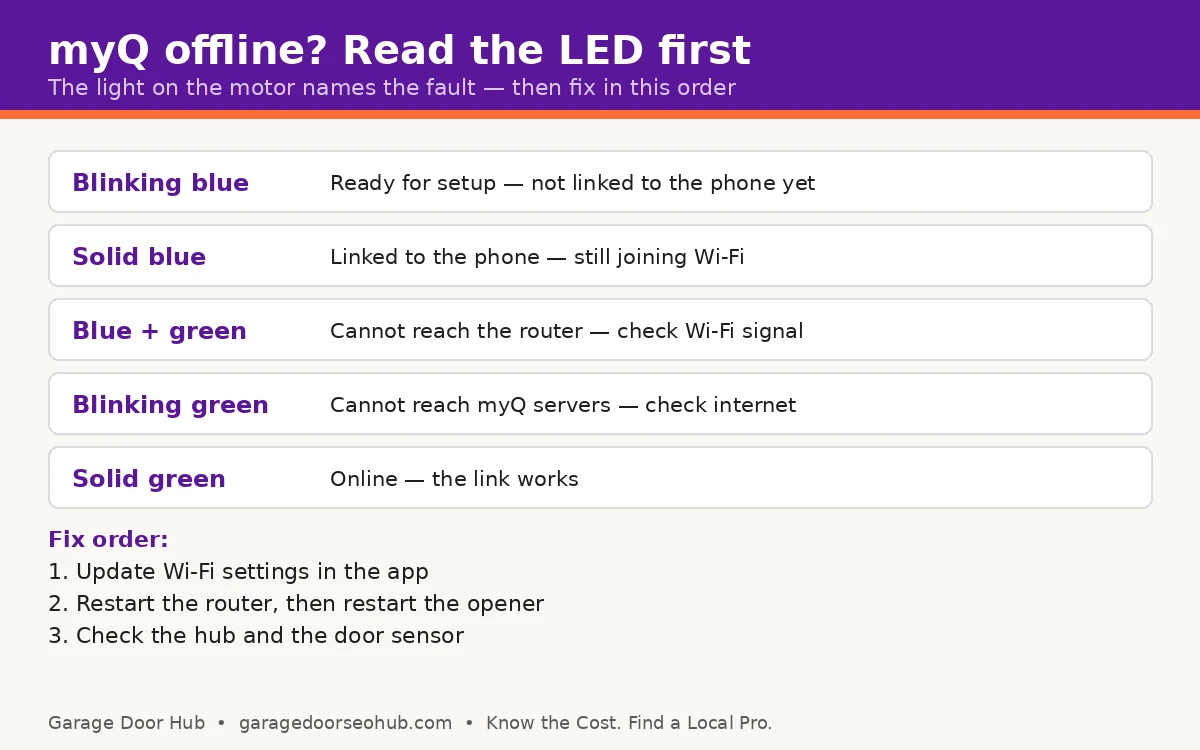
Read the LED first
The LED on the motor tells you where the link breaks. Read its color before you reset anything. A blind reset can wipe good settings and add work.
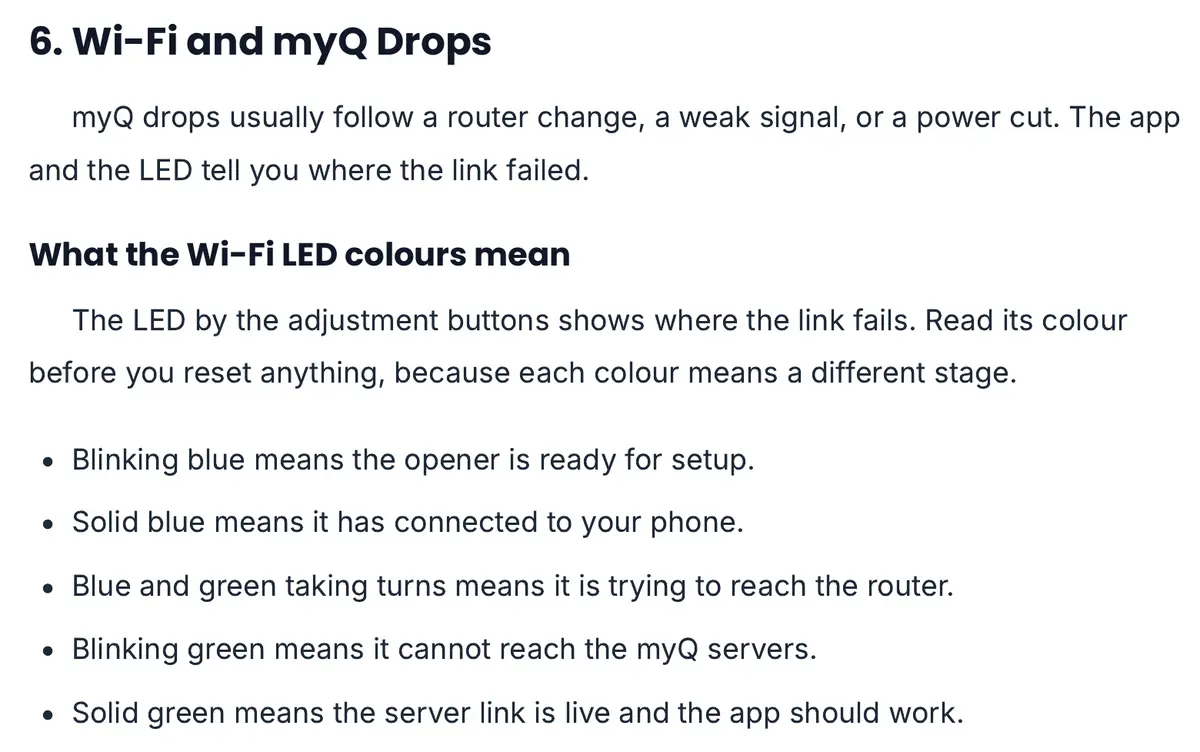
- Blinking blue: ready for setup, not yet linked to the phone.
- Solid blue: linked to the phone, still joining Wi-Fi.
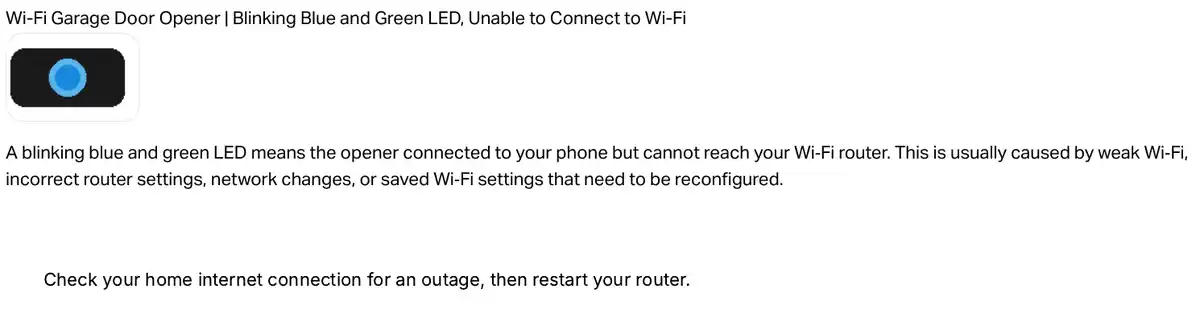
- Blue and green flashing: linked to the phone, but cannot reach the router.
- Blinking green: linked to the router, but cannot reach myQ servers.
- Solid green: online and linked to myQ servers.
- No light at all: check power first, then the outlet and breaker.
Sources: Chamberlain support — blinking blue and green LED and Technobezz — myQ will not connect to Wi-Fi, checked 20 Nov 2026.
Example: An owner saw blue and green flashing and reset the whole opener. The real fault was a weak router signal, found in two minutes.
So what: the LED names the fault.
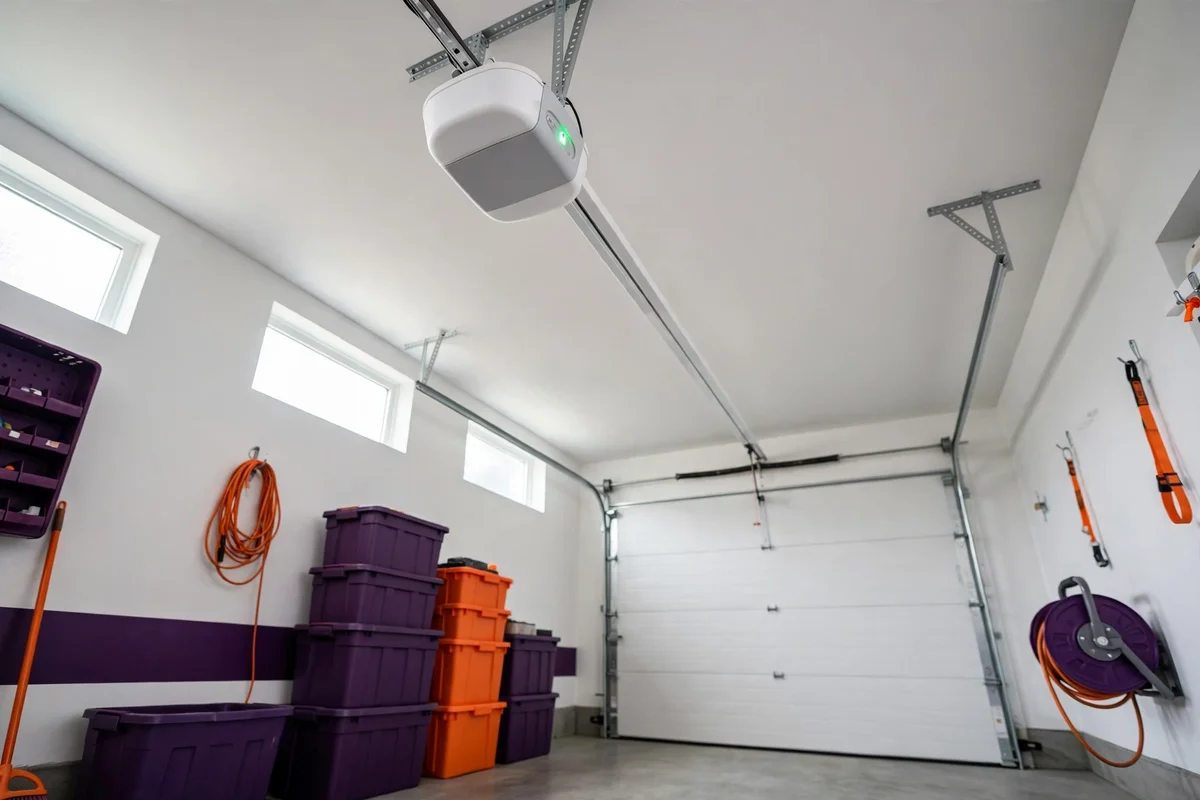
AI IMAGE 3: opener motor unit with Wi-Fi LED
Wi-Fi and router fixes
Most offline cases are Wi-Fi, not the opener. Routers change, passwords change, and signals fade. Start with the network, then touch the opener.
- After a router or password change, tap the offline door in the app and pick Update Wi-Fi Settings.
- Use the 2.4 GHz network name. myQ cannot join 5 GHz.
- Hold your phone at the opener. One bar means the signal is too weak.
- Restart the router, wait for the internet, then restart the opener.
- Turn off your phone VPN during setup. It can slow the link enough to fail.
- Clear saved Wi-Fi only if setup keeps failing: hold the black adjustment button until three beeps.
Source: Chamberlain support — reconnect after a router change, checked 20 Nov 2026.
Example: A new router left myQ offline for a week. Update Wi-Fi Settings in the app fixed it in three minutes.
So what: a router change needs a myQ update, not a new opener.
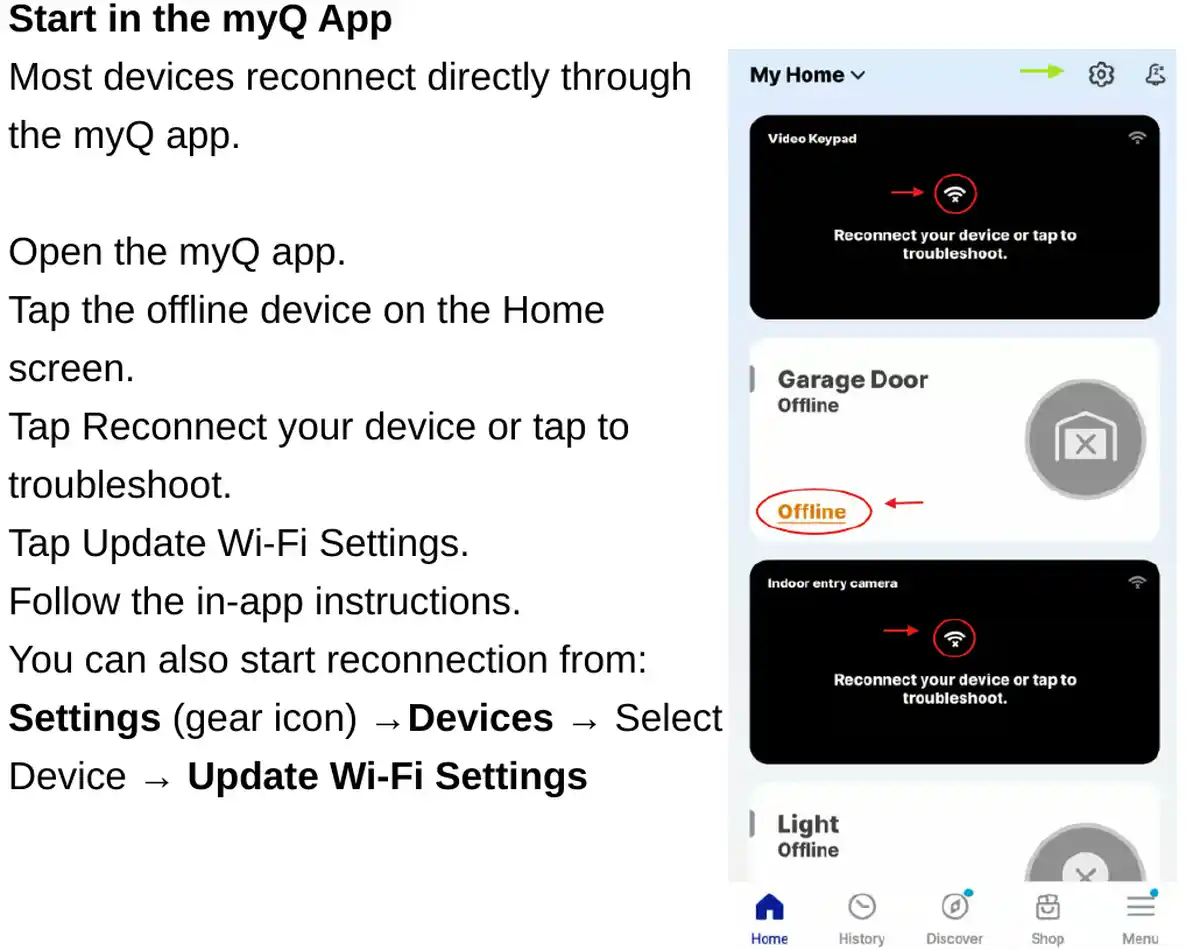
Hub and sensor fixes
Hub owners have two extra parts to check: the hub and the door sensor. Either one can break the app link while the door still works. Check them in this order.
- Restart the hub: unplug it, wait ten seconds, plug it back in.
- Check the hub LED with the same color list as the opener.
- Check the door sensor battery and its spot on the top door panel.
- Move the sensor if the app state is wrong while the door moves fine.
- Re-pair the sensor in the app if it still reports the wrong state.
- If the remote itself stopped working, see our garage door remote not working guide.
Example: A hub showed the door open for a week. The sensor battery was flat, and a fresh battery fixed the state.
So what: a dead sensor lies about the door.
6. Retrofit Hub vs Replace the Opener
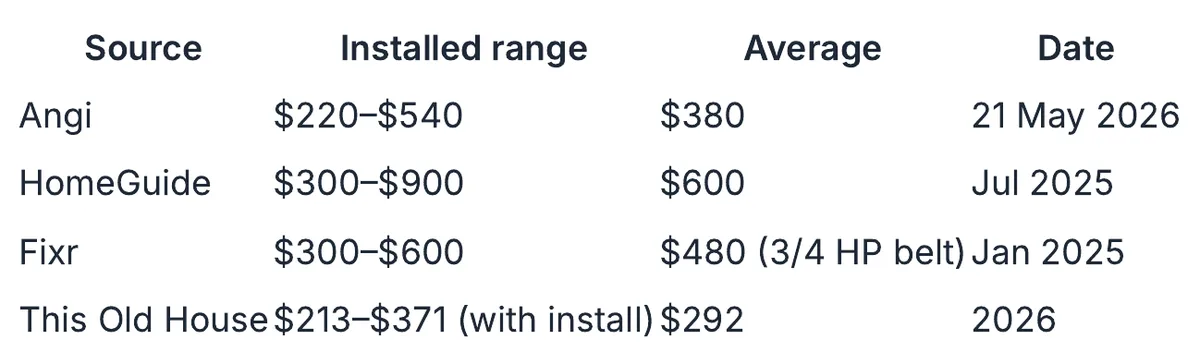
A $64.99 hub and a $480 belt-drive opener both give you myQ. The right pick turns on the age and health of the opener you own. Use the table, then read the two rules below it.
| Option | Hardware | Fitting | Typical all-in | Best fit |
|---|---|---|---|---|
| Smart Garage Control hub | $64.99 (Chamberlain, Nov 2026) | DIY, 30–45 min | About $65 | Working opener made after 1993 |
| New Wi-Fi opener, installed | $200–$500 (GetProxly, 2026) | Pro install | About $480 for a 3/4 HP belt drive (Fixr, Nov 2026) | Old, loud, or failing opener |
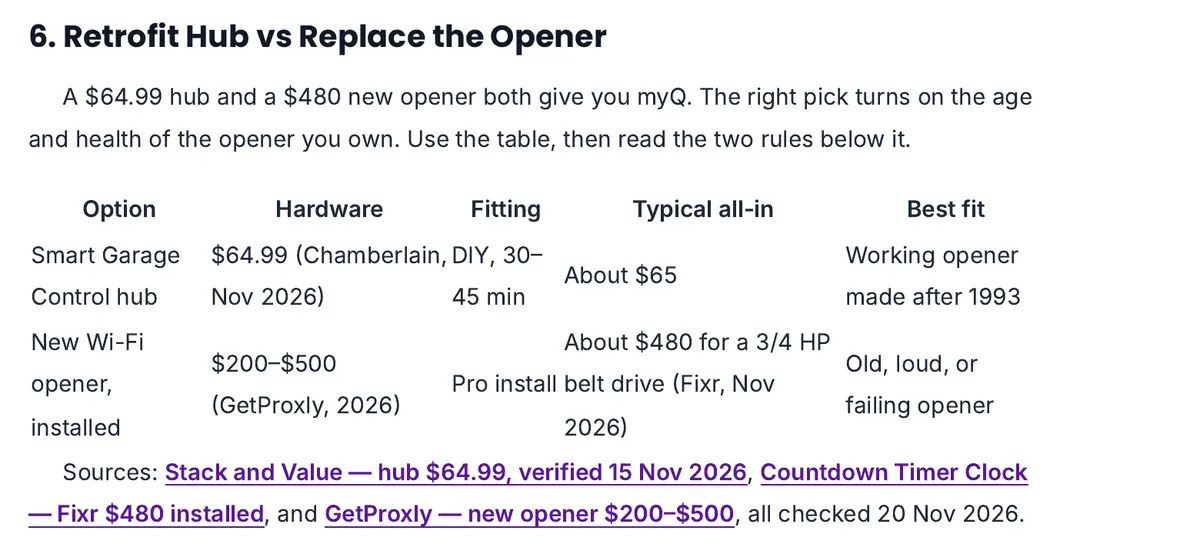
Sources: Stack and Value — hub $64.99, verified 15 Nov 2026, Countdown Timer Clock — Fixr $480 for a 3/4 HP belt-drive opener installed, and GetProxly — new opener $200–$500, all checked 20 Nov 2026.
For the full buying picture, see the garage door openers complete guide. For repair costs, see the garage door repair guide.
Retrofit wins when the opener still works
Retrofit when the motor runs well and the door moves smoothly. The hub adds the app for about a tenth of a new opener. Spend the saving on the door, not the motor.
- The opener is under 10 years old and runs quiet.
- The door is balanced and the safety sensors work.
- You only want app control, alerts, and schedules.
- The Learn button is yellow, purple, red/orange, or green.
- A second door needs only one more sensor, not a second hub.
Example: A 2015 Chamberlain ran fine but had no Wi-Fi. A $64.99 hub gave it app control in 40 minutes.
So what: the old motor earned five more years.
Replace wins when the opener is done
Replace when the opener itself is the problem. A hub cannot fix a worn motor, a loud rail, or missing safety sensors. A new opener brings myQ built in, plus a fresh warranty.
- The opener is over 15 years old or needs frequent repairs.
- The motor strains, stalls, or the rail is loud.
- Safety sensors are missing or broken. The hub needs working sensors.
- The opener predates 1993 or has a blue Learn button with no panel.
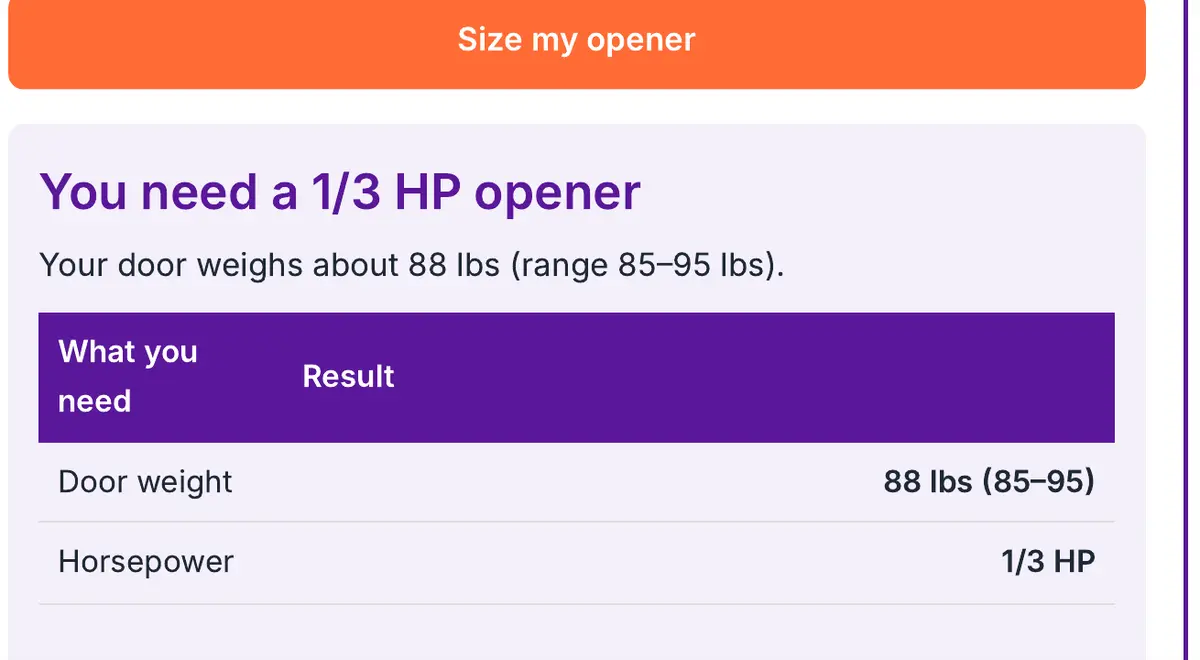
- Price the job first with the Opener Cost Calculator in the tool box above, before you call a pro.
Example: A 1998 opener with a dead board got a hub quote. The board cost more than a new opener, so replacement won.
So what: fix the motor first, then add smart.
Watch: setting up a Chamberlain opener in the myQ app, step by step
The Unboxing Journey sets up a Chamberlain Wi-Fi opener in the myQ app on YouTube: add the opener, hold the Learn button for Wi-Fi setup, connect to the network, and test open, close and alerts.
- Download the myQ app, add the garage door opener, and follow the prompts to pair it.
- Press and hold the Learn button for six seconds to put the opener into Wi-Fi setup.
- The app then shows open or closed at a glance, with history and alerts when the door moves.
Video: The Unboxing Journey, YouTube. Checked 21 November 2026.
Garage Door Hub connects homeowners with trusted local garage door pros. Need a repair? Need a replacement? Start here. First, find out what it should cost. Then, price your exact job with our free calculator. Next, find a pro near you. Fast. No jargon. No guesswork. No surprise bills. Just clear prices, honest guides, and a local pro you can call today.
FAQ
Does myQ work with Alexa?
No. Chamberlain offers no Alexa skill, and myQ does not work with Alexa directly. The old IFTTT route for Alexa ended on 31 October 2023. Amazon Key delivery still works, but it is not voice control.
Does myQ work with Google Home?
No. Chamberlain ended its Google Assistant action in June 2023 and lists Google Home as unsupported. IFTTT applets can still close a myQ door, but they cannot open it.
Why is my myQ offline?
Most often the Wi-Fi link broke: a new router, a changed password, or a weak 2.4 GHz signal. Read the LED on the motor first, then update the Wi-Fi settings in the app.
How much does the myQ Smart Garage Control cost?
$64.99 at Chamberlain, checked 15 November 2026. It adds myQ to most openers made after 1993 with working safety sensors. The myQ app itself is free.
Can I add myQ to an old garage door opener?
Yes, if it was made after 1993 and has working safety sensors. The Smart Garage Control hub adds app control in 30 to 45 minutes. A blue Learn button needs the extra 889LMMC panel first.
Is the myQ app free?
Yes. Opening, closing, alerts, schedules, and guest access are free in the myQ app. Paid plans cover extras only, such as in-car control from a Tesla or CarPlay.
Sources
- Chamberlain support — Wi-Fi Garage Door Opener setup. Checked 20 Nov 2026.
- Chamberlain support — what you need for myQ compatibility. Checked 20 Nov 2026.
- Chamberlain support — blinking blue and green LED. Checked 20 Nov 2026.
- Chamberlain support — reconnect after a router change. Checked 20 Nov 2026.
- Chamberlain — Smart Garage Control MYQ-G0401. Checked 20 Nov 2026.
- SmartHomeFocus — Does Chamberlain MyQ Work with Alexa. Checked 20 Nov 2026.
- SmartHomeFocus — Does MyQ Work with Google Home. Checked 20 Nov 2026.
- SmartHomeFocus — Chamberlain MyQ Review 2026. Checked 20 Nov 2026.
- SolveYourTech — Chamberlain myQ Smart Garage Control install and review. Checked 20 Nov 2026.
- Family Handyman — Chamberlain myQ Smart Garage Control. Checked 20 Nov 2026.
- Stack and Value — Best Smart Garage Door Openers of 2026, hub $64.99 verified 15 Nov 2026. Checked 20 Nov 2026.
- Countdown Timer Clock — retrofit vs new Wi-Fi opener, Fixr $480 for a 3/4 HP belt-drive opener. Checked 20 Nov 2026.
- GetProxly — myQ Smart Garage Hub review, $45 a year plan. Checked 20 Nov 2026.
- Technobezz — myQ will not connect to Wi-Fi, LED meanings. Checked 20 Nov 2026.
- Garage Door Hub calculators — Opener Cost 1538 ($530 default). Live 15 Nov 2026.